

Foundry VTT
Foundry VTT is a self-hosted virtual tabletop your Game Master runs for the session. It handles shared maps, tokens, fog of war with dynamic lighting, integrated dice rolling, character sheets, initiative, and handouts. Many official systems and community modules add automation for attacks, saves, and conditions, so turns move faster and rules stay clear. Soundboards and journals help with mood and note keeping, and everything stays synced as you move, measure, and roll together.
For you, joining is simple. You use a modern browser on a laptop or desktop, click a link from the Game Master, and enter a name or a login they provide. Players do not need to buy anything or install an app. Foundry works on tablets too, though a larger screen is easier for maps and rules. Your first load may download assets for the adventure, then the interface feels snappy.
Our Game Masters often pair Foundry with Discord or another voice channel for stable audio and video, while keeping maps and rolls in Foundry. They choose modules, lighting, and macros that match your system and pace, from crunchy combat to narrative play. If you want someone experienced with Foundry, browse our Game Masters and tell them what you like.
How to use Foundry VTT
Before your game, update Chrome, Firefox, or Edge and test your headset and mic. The Game Master will send a URL and, if needed, a password or player login. Open the link, pick or enter your player name, and allow mic access if using built-in audio, or join the Discord/voice link they share. Let the initial assets load, then open your character sheet and try a test roll. If something lags, close extra tabs and check your connection or restart the browser.





Frequently asked questions
Do I need a Foundry account or to buy a license?
For a player, no. Your Game Master hosts the Foundry server and sends you a URL. You join in your browser as a guest or with a login they create for you. There is nothing to purchase or install on your side.
What devices and browsers does Foundry support?
Use a current version of Chrome, Firefox, or Edge on a laptop or desktop. Tablets work, but a bigger screen makes maps and sheets easier to read and move. Phones are not recommended for full sessions.
Do I need a webcam or a special headset?
A webcam is optional. Voice is required, either in Foundry's built-in voice or a separate call your Game Master provides. Any earbuds or headset with a mic will do and helps prevent echo.
Can we use Discord, Zoom, or D&D Beyond with it?
Yes. Many groups keep maps, tokens, and rolls in Foundry, and run voice or video in Discord or Zoom. If you track your character elsewhere, your Game Master can set expectations for how to share rolls, either by entering them in Foundry or using supported modules.
Booking Form


Sent!

Nat 1, try again!
Please try again or email info@storyforgers.com
Dungeons & Dragons
Forge your own fantasy tale with Dungeons & Dragons. Create a party of bold heroes, outsmart traps, bargain with dragons, and claim treasure in vivid worlds. Think the fellowship spirit of The Lord of the Rings, only you choose the paths, the battles, and the ending.
View system: Dungeons & DragonsCall of Cthulhu
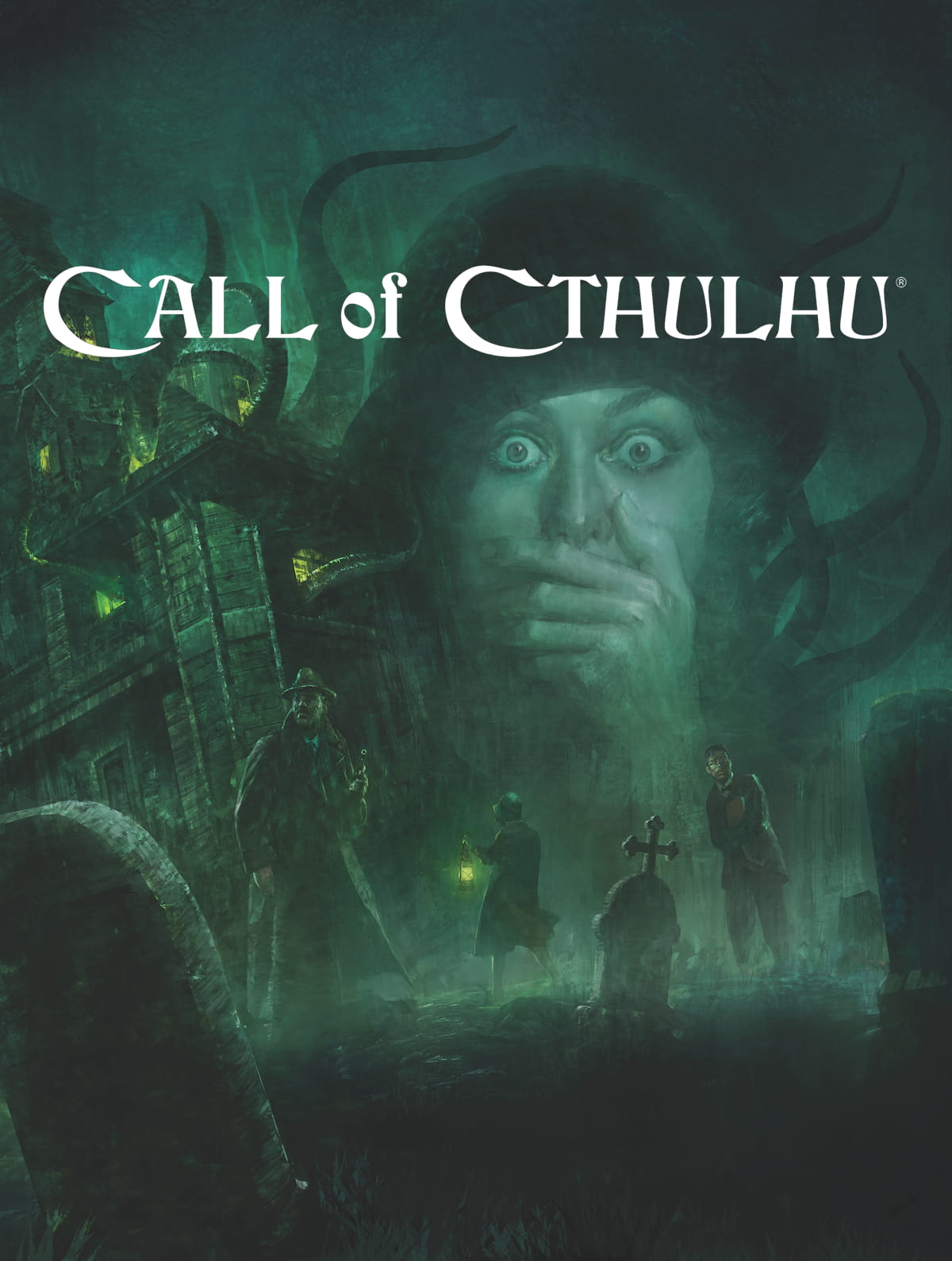
Call of Cthulhu is the classic game of investigative cosmic horror. Play doomed investigators probing occult mysteries and fragile sanity.
View system: Call of CthulhuDaggerheart
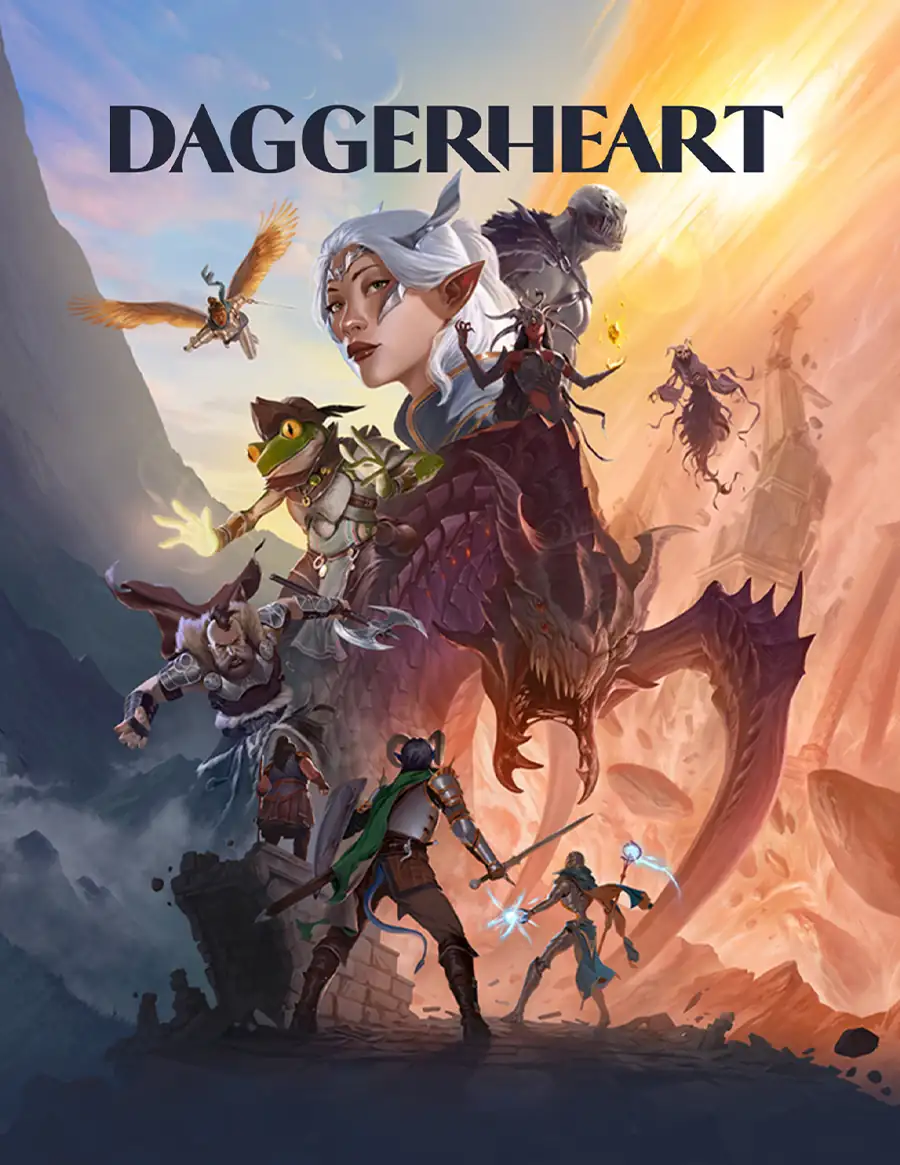
Daggerheart is a high-fantasy RPG where every roll uses Hope and Fear d12s. Big heroics meet meaningful consequences in fast, story-first play.
View system: DaggerheartVampire: The Masquerade
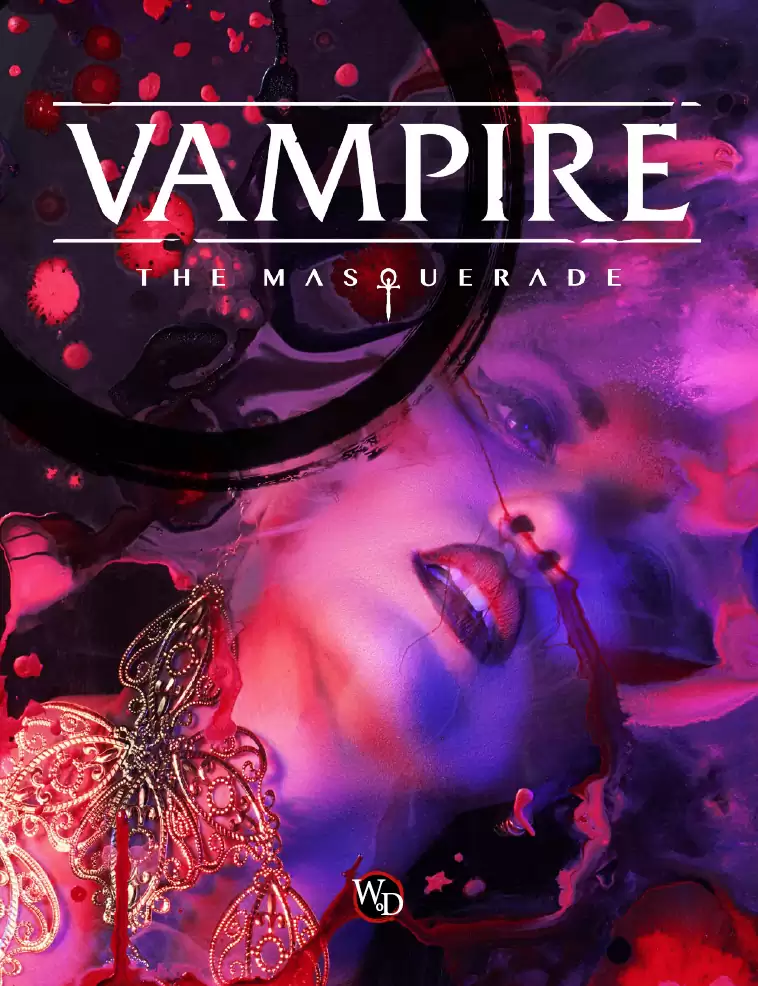
Vampire: The Masquerade is modern-night roleplay about hunger, power and secrecy. Think Interview with the Vampire, but you make the calls. Scheme, seduce and survive as a coterie while a professional Game Master brings a city of dark politics to life.
View system: Vampire: The MasqueradeCyberpunk
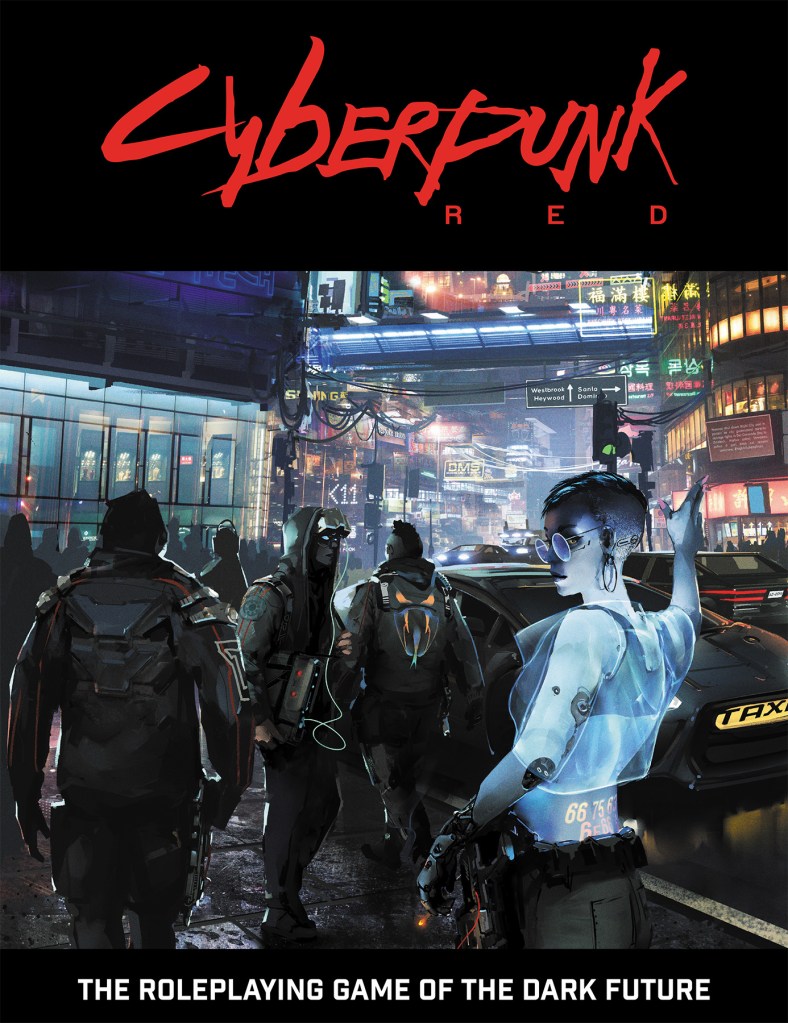
Rule the neon sprawl with Cyberpunk RED, the near-future game of mercs, megacorps and hard choices from R. Talsorian Games. Fast, deadly action, slick tech and tense heists. If you know Cyberpunk 2077, you already feel the grit and style.
View system: CyberpunkLancer
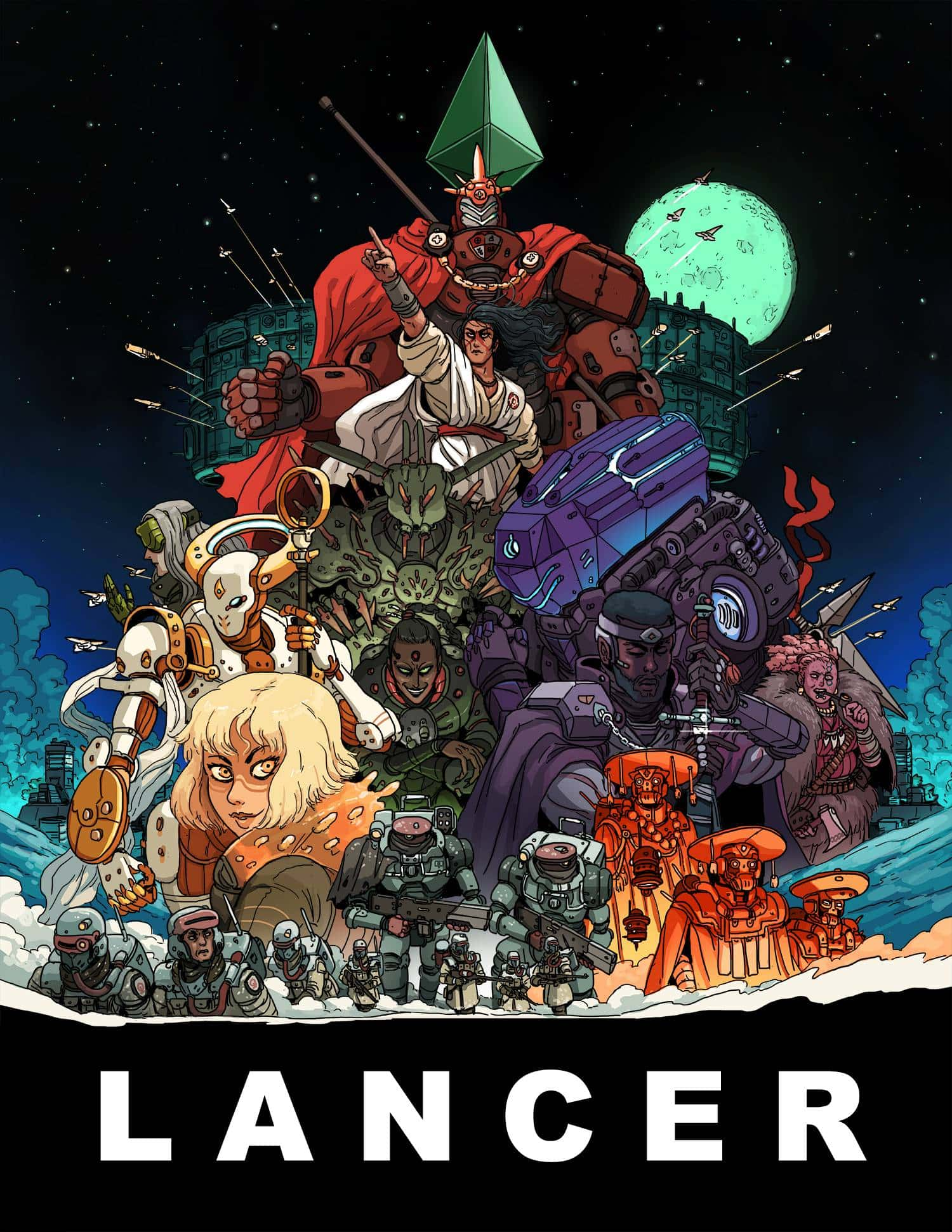
Pilot a custom-built mech in high-stakes missions that blend sharp tactics with character drama. Lancer delivers crunchy battles and sweeping sci-fi about duty, politics, and hope. If you love Gundam, you will feel right at home.
View system: LancerStarfinder
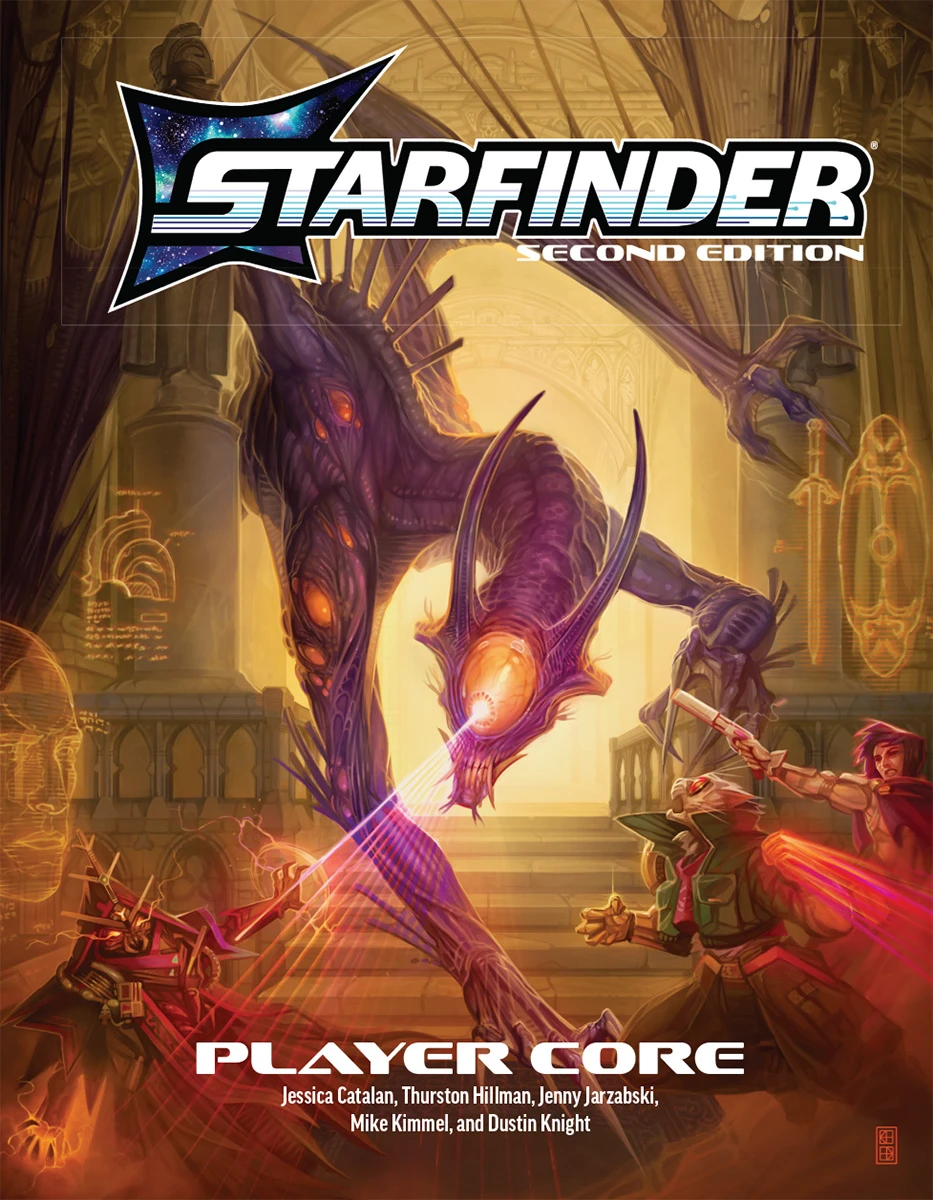
Starfinder is Paizo’s science-fantasy of blaster fights, spell-slinging technomancers, and starship showdowns. Think Mass Effect with magic. Our Game Masters guide you through strange worlds, daring heists, and alien mysteries that reward teamwork and bold choices.
View system: StarfinderWarhammer Fantasy Roleplay
Warhammer Fantasy Roleplay plunges you into the Old World, a grim, disease-ridden land of cults, corruption and hard choices. Think The Witcher, but with black humor and worse odds. Gritty investigations, lethal fights and messy magic, guided by our Game Masters.
View system: Warhammer Fantasy RoleplayALIEN: The Roleplaying Game
Stalk the dark between the stars with ALIEN: The Roleplaying Game, a cinematic survival horror experience. Stress fuels panic and hard choices as you fight to survive. If Ridley Scott's Alien hooked you, this delivers that same cold-sweat dread at the table.
View system: ALIEN: The Roleplaying Game



High Fantasy
Vast kingdoms, ancient magic, and heroes on dangerous quests to save more than a town, maybe the world. Think The Lord of the Rings, where…
View genre: High FantasyDark Fantasy
Gritty magic, frail hope, and choices that stain as monsters wear human faces and the cost of victory cuts deep. Think The Witcher, but the…
View genre: Dark FantasyPirate
Salt spray, creaking decks, and cutlass fights as you chase treasure and rivals across dangerous seas. Swashbuckling adventure like Pirates…
View genre: PirateSteampunk
Victorian grit, brass gadgets, and daring invention. Think Around the World in 80 Days with airships, clockwork automatons, and smokestack…
View genre: SteampunkWhimsical
Playful fantasy where logic takes tea breaks and kindness solves problems. Think Alice in Wonderland, with curious rules, quirky friends…
View genre: WhimsicalAcademy
Campus drama and late-night capers, teachers who test you and rivals who push you. Make friends, join clubs, cram for finals, and decide…
View genre: AcademyMystery
Follow the clues, build timelines, and catch the culprit. Think Knives Out, but you are the detective, piecing together alibis and secrets…
View genre: MysterySurvival
Cold nights, empty packs, and hard choices. Survival tales test grit and teamwork as you ration supplies, outsmart nature, and face human…
View genre: Survivalby Tessa Supernatural
Unseen forces close in. You hunt answers through haunted houses, cursed towns, and sacred rites where ghosts, omens, and miracles blur fear…
View genre: Supernatural


