

Tabletop Simulator
Tabletop Simulator is a physics-based 3D tabletop on Steam. In a session, you sit around a virtual table, move miniatures, roll real-feeling dice, measure distances, and draw on maps. A professional Game Master loads custom boards, tiles, cards, and tools from the Steam Workshop or their own assets, then locks pieces in place and manages hidden areas as needed. It feels like handling a minis table at home, only shared online.
For players, setup is simple. You need a Steam account, the Tabletop Simulator app, and a computer with mouse and keyboard. Each player must own the game to join. The Game Master shares a server name and password or a Steam invite. Any Workshop content downloads automatically when you connect. There is no browser or mobile play. Once in, you use easy camera and grab controls to look around, move your piece, and check the map.
Our Game Masters often pair Tabletop Simulator with Discord for voice and session chat, and with online character sheets or PDFs for rules and rolls as needed. They prepare tables, tokens, and quality-of-life scripts so play is smooth and quick to learn. Not sure if this is the right fit for your group’s style or tech? See how it compares on our online platforms overview.
How to use Tabletop Simulator
Create a Steam account, purchase and install Tabletop Simulator, and log in on your computer. There is no browser version. Before game time, launch it once to confirm it runs, and test your audio in the voice app your Game Master prefers, usually Discord. Your Game Master will send the start time plus either a Steam invite or the server name and password, and sometimes a Workshop collection link. At start, open Tabletop Simulator, join their server, enter the password, and let assets download.


Frequently asked questions
Do I need a Steam account or to buy the game?
Yes. You need a free Steam account, and each player must own Tabletop Simulator on Steam to join. Install it ahead of time and launch it once so any updates finish. A professional Game Master will send you a Steam invite or connection details like the lobby name and password.
Can I play in a browser or on my phone or tablet?
No. Tabletop Simulator is a desktop app through Steam for Windows, macOS, and Linux. Phones and tablets are not supported. Use a computer with a mouse and keyboard for smooth control.
Do I need a webcam, mic, or any special gear?
A webcam is optional, since the app has no built-in video. You will talk over in-game voice chat or, more often, Discord, so a mic and headphones are recommended. VR mode exists but is not required.
Is it suitable for a company team event?
Yes, provided everyone can install Steam and Tabletop Simulator on their work computers in advance. If IT blocks Steam or software installs, consider another option. Voice usually runs on Discord or another company-approved app. To compare tools that fit your setup, see the online platforms overview.
Booking Form


Sent!

Nat 1, try again!
Please try again or email info@storyforgers.com
Dungeons & Dragons
Forge your own fantasy tale with Dungeons & Dragons. Create a party of bold heroes, outsmart traps, bargain with dragons, and claim treasure in vivid worlds. Think the fellowship spirit of The Lord of the Rings, only you choose the paths, the battles, and the ending.
View system: Dungeons & DragonsCall of Cthulhu
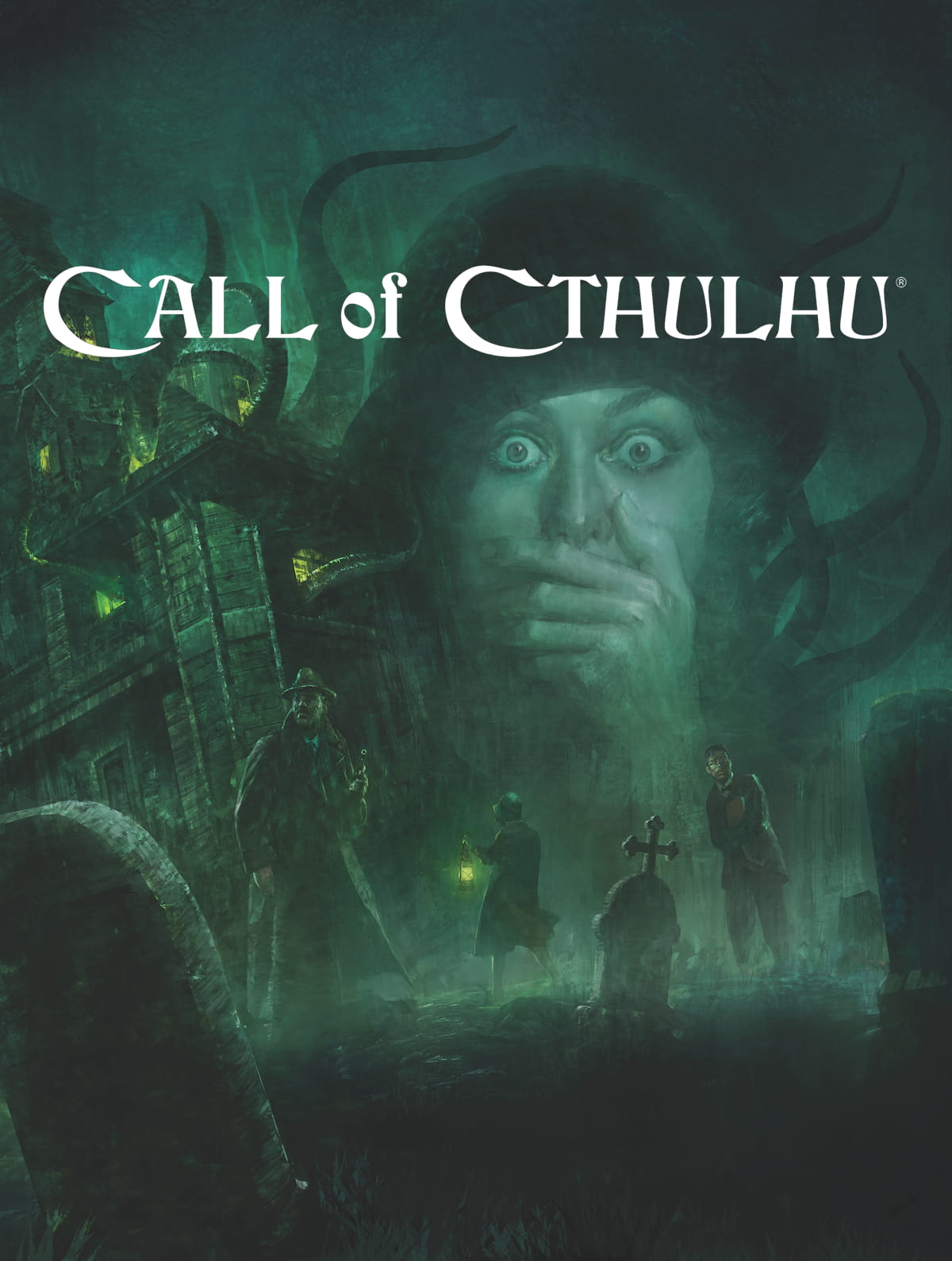
Call of Cthulhu is the classic game of investigative cosmic horror. Play doomed investigators probing occult mysteries and fragile sanity.
View system: Call of CthulhuDaggerheart
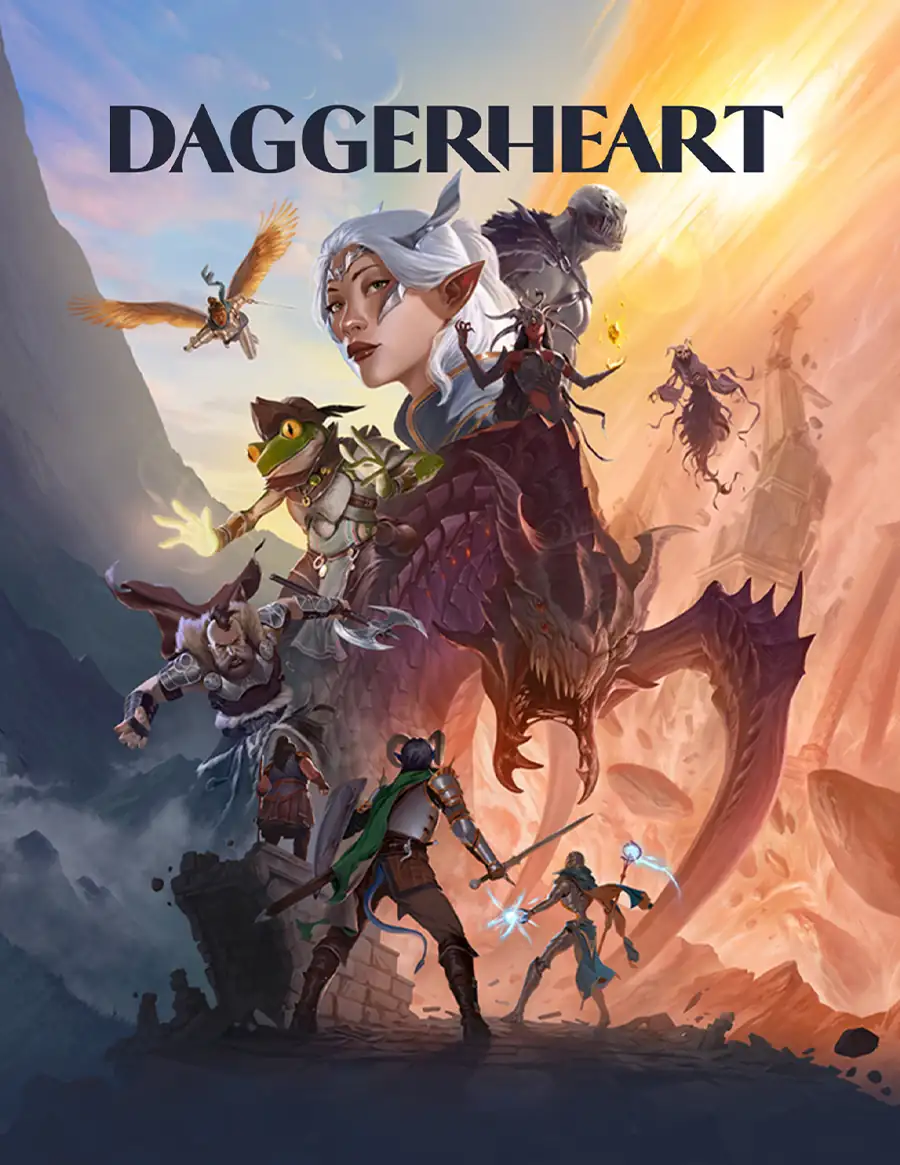
Daggerheart is a high-fantasy RPG where every roll uses Hope and Fear d12s. Big heroics meet meaningful consequences in fast, story-first play.
View system: DaggerheartVampire: The Masquerade
Vampire: The Masquerade is modern-night roleplay about hunger, power and secrecy. Think Interview with the Vampire, but you make the calls. Scheme, seduce and survive as a coterie while a professional Game Master brings a city of dark politics to life.
View system: Vampire: The MasqueradeCyberpunk
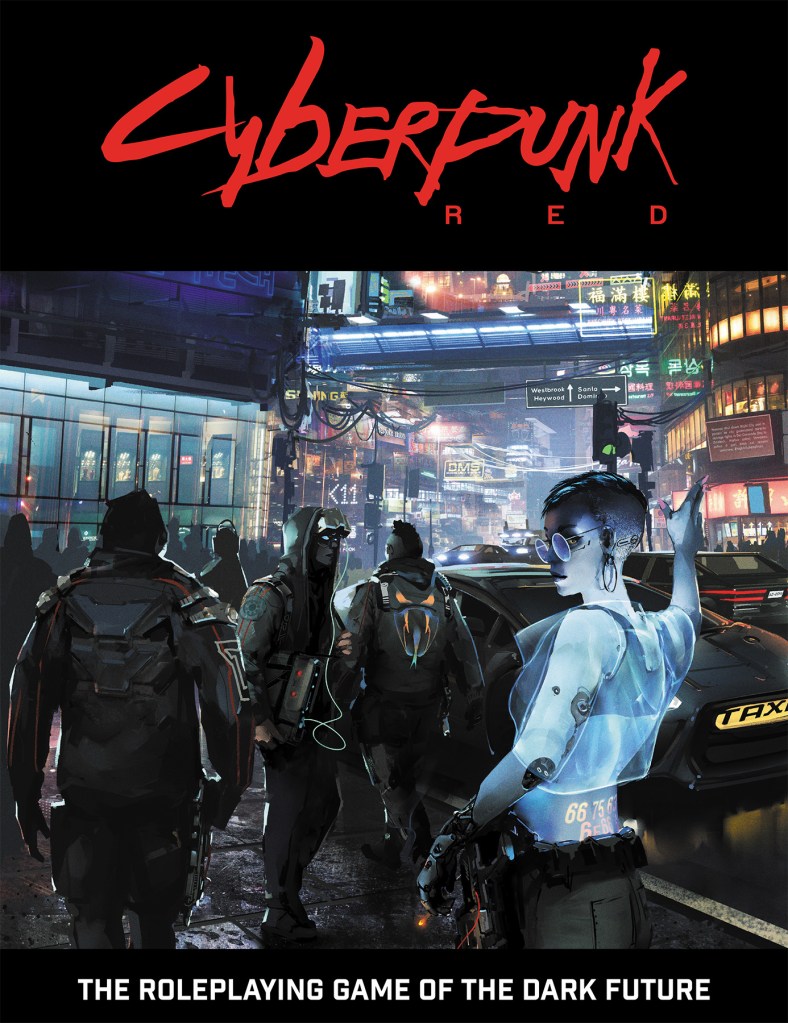
Rule the neon sprawl with Cyberpunk RED, the near-future game of mercs, megacorps and hard choices from R. Talsorian Games. Fast, deadly action, slick tech and tense heists. If you know Cyberpunk 2077, you already feel the grit and style.
View system: CyberpunkLancer
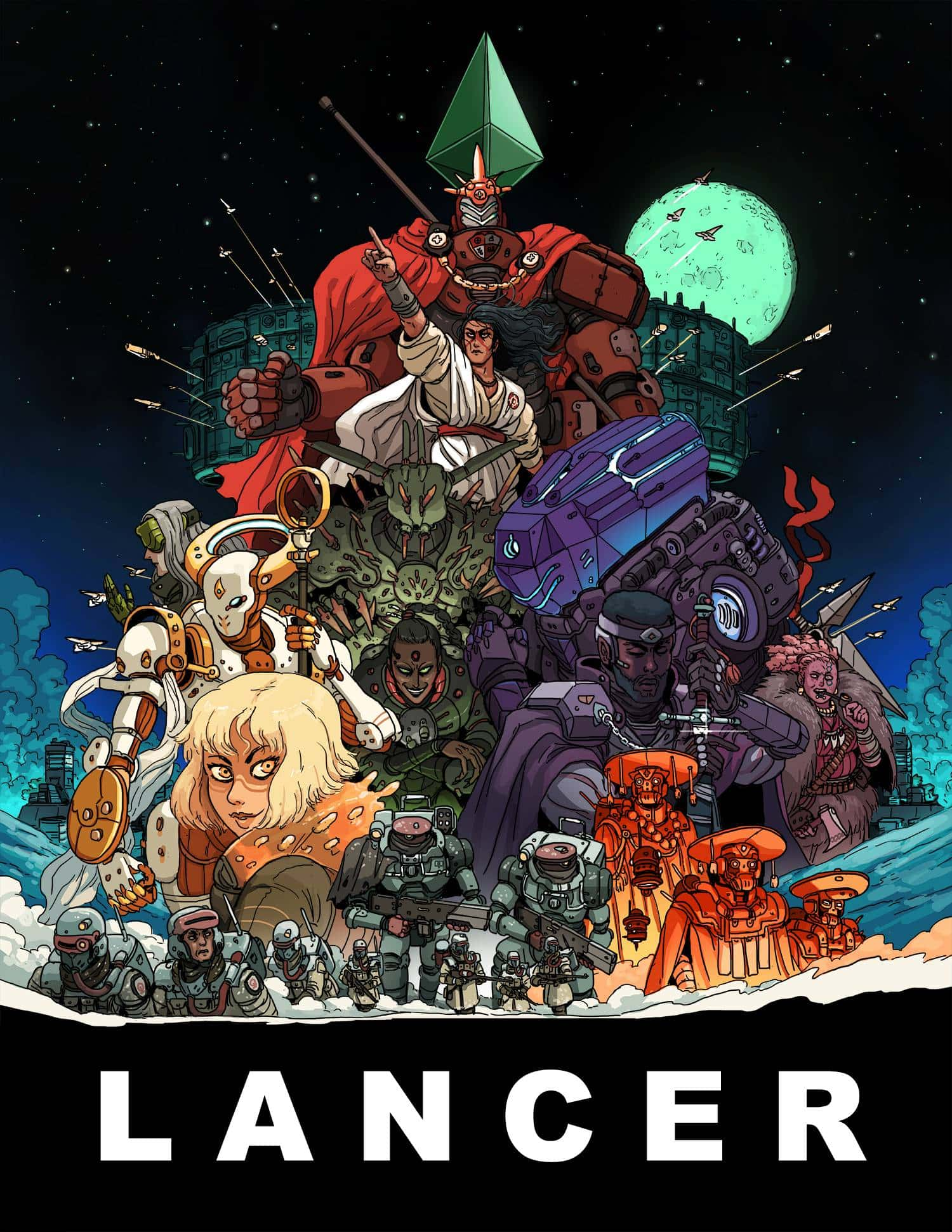
Pilot a custom-built mech in high-stakes missions that blend sharp tactics with character drama. Lancer delivers crunchy battles and sweeping sci-fi about duty, politics, and hope. If you love Gundam, you will feel right at home.
View system: LancerStarfinder
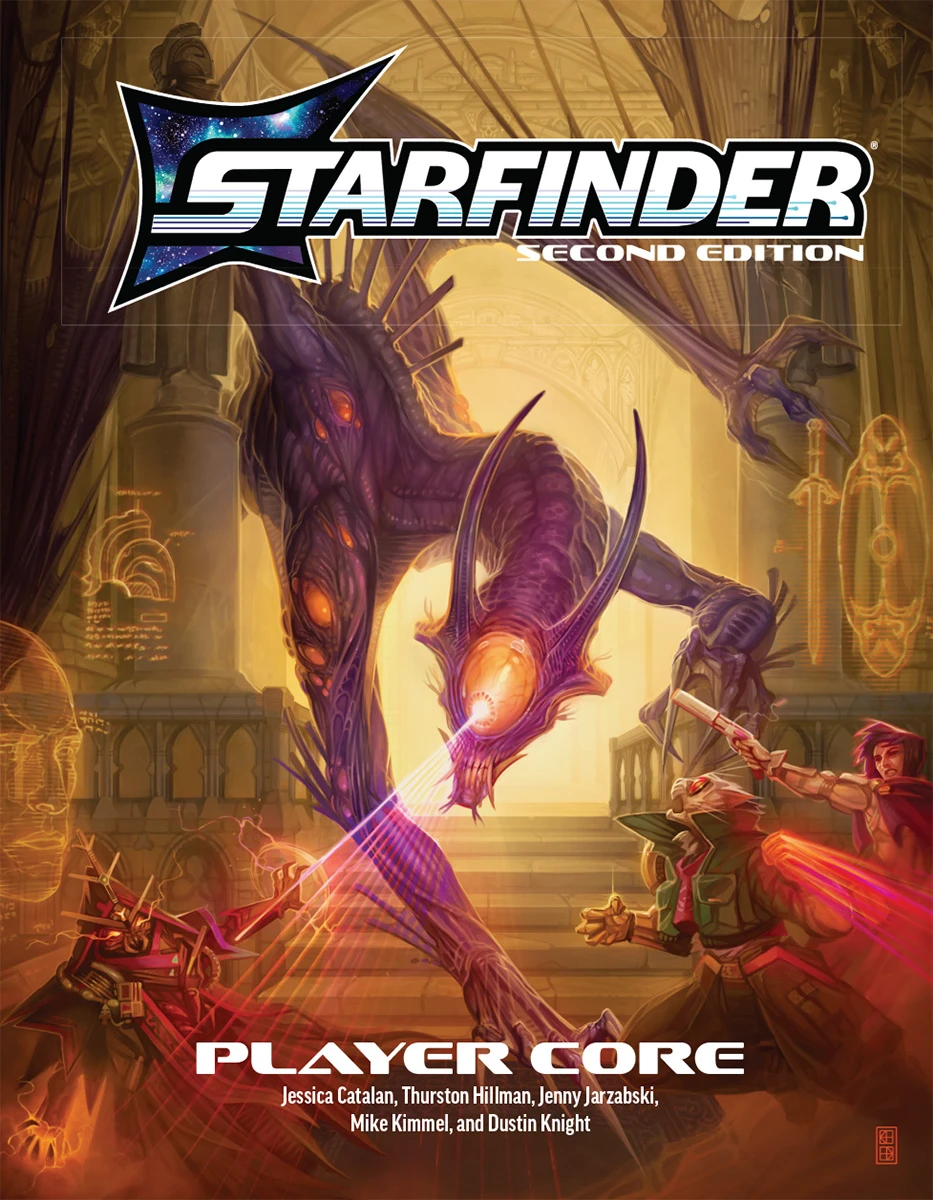
Starfinder is Paizo’s science-fantasy of blaster fights, spell-slinging technomancers, and starship showdowns. Think Mass Effect with magic. Our Game Masters guide you through strange worlds, daring heists, and alien mysteries that reward teamwork and bold choices.
View system: StarfinderWarhammer Fantasy Roleplay
Warhammer Fantasy Roleplay plunges you into the Old World, a grim, disease-ridden land of cults, corruption and hard choices. Think The Witcher, but with black humor and worse odds. Gritty investigations, lethal fights and messy magic, guided by our Game Masters.
View system: Warhammer Fantasy RoleplayALIEN: The Roleplaying Game
Stalk the dark between the stars with ALIEN: The Roleplaying Game, a cinematic survival horror experience. Stress fuels panic and hard choices as you fight to survive. If Ridley Scott's Alien hooked you, this delivers that same cold-sweat dread at the table.
View system: ALIEN: The Roleplaying Game




High Fantasy
Vast kingdoms, ancient magic, and heroes on dangerous quests to save more than a town, maybe the world. Think The Lord of the Rings, where…
View genre: High FantasyDark Fantasy
Gritty magic, frail hope, and choices that stain as monsters wear human faces and the cost of victory cuts deep. Think The Witcher, but the…
View genre: Dark FantasyPirate
Salt spray, creaking decks, and cutlass fights as you chase treasure and rivals across dangerous seas. Swashbuckling adventure like Pirates…
View genre: PirateSteampunk
Victorian grit, brass gadgets, and daring invention. Think Around the World in 80 Days with airships, clockwork automatons, and smokestack…
View genre: SteampunkWhimsical
Playful fantasy where logic takes tea breaks and kindness solves problems. Think Alice in Wonderland, with curious rules, quirky friends…
View genre: WhimsicalMystery
Follow the clues, build timelines, and catch the culprit. Think Knives Out, but you are the detective, piecing together alibis and secrets…
View genre: MysterySurvival
Cold nights, empty packs, and hard choices. Survival tales test grit and teamwork as you ration supplies, outsmart nature, and face human…
View genre: Survivalby Tessa Supernatural
Unseen forces close in. You hunt answers through haunted houses, cursed towns, and sacred rites where ghosts, omens, and miracles blur fear…
View genre: SupernaturalCyberpunk
Neon nights, humming servers, and hard choices. You play hackers, street samurai, and fixers pulling jobs for and against megacorps. Think…
View genre: Cyberpunk


